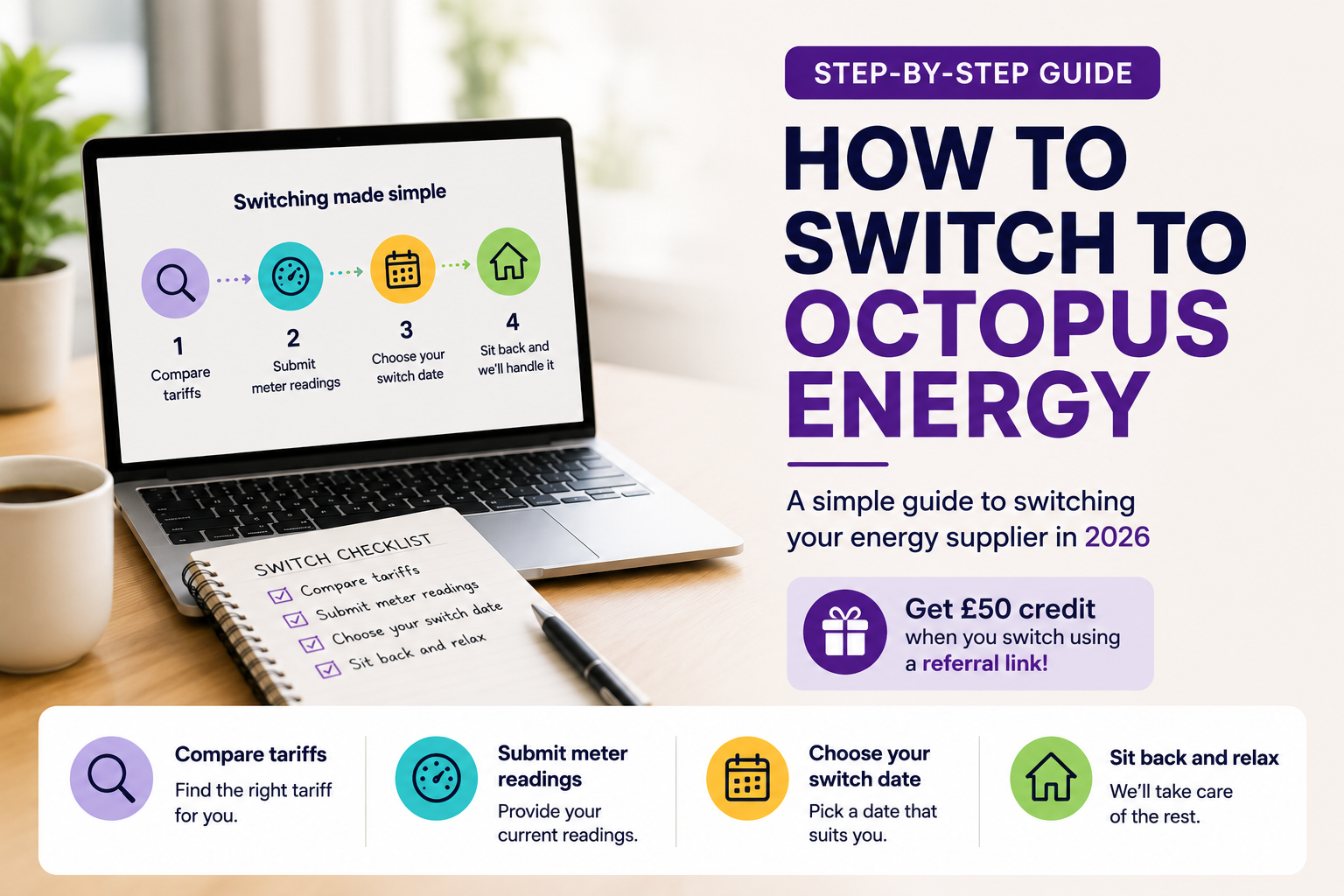
Switching to Octopus Energy is relatively straightforward, but if you’ve never changed energy supplier before, you may be wondering exactly what happens, how long the switch takes and what you need to do. In this step-by-step guide, I’ll explain how to switch to Octopus Energy, from choosing your tariff and signing up to providing your meter readings and completing the switch.
I’ll also cover some of the most common questions about switching, including what happens to your current supplier, whether you need a smart meter, whether your energy supply will be interrupted and how the Octopus Energy referral credit works.
How to Switch to Octopus Energy: Step by Step
Step 1: Check Your Current Energy Tariff
Before switching, check which tariff you’re currently on, how much you’re paying and whether your existing supplier charges an exit fee. This gives you a proper basis for comparing your current deal with the Octopus Energy tariffs available to you.
If you’re on a fixed tariff, check the end date and any early-exit charges. If you’re on a variable tariff, you can usually switch without an exit fee.
Step 2: Compare Octopus Energy Tariffs
Octopus Energy offers different types of tariffs, so before switching it’s worth checking which option best suits your household and energy usage. The choices available can include variable and fixed tariffs, as well as specialist smart tariffs designed for things such as electric vehicles, heat pumps and using electricity at cheaper times of the day.
You may also want to read my Octopus Energy reviews to see what existing customers say about the supplier.
If you’re currently with British Gas, you can also read my Octopus Energy vs British Gas comparison before deciding whether to switch.
Step 3: Start Your Switch to Octopus Energy
Once you’ve decided to switch, you can start the process online by entering your postcode and a few details about your home and current energy usage. Octopus will then show you the tariffs available for your property and an estimate of what you could pay.
If you’re a new Octopus Energy customer, this is also the point where you can use a referral link. By signing up through an eligible referral link, you can receive the referral credit available under the offer.
Step 4: What Happens After You Sign Up?
Once you’ve completed the signup, Octopus Energy will begin the process of taking over your energy supply. In most cases, you don’t need to contact your old supplier yourself — the switching process is handled between the suppliers.
Your electricity and gas will not be physically disconnected during the switch. The energy coming into your home remains the same; what changes is the company responsible for supplying and billing you.
Octopus will keep you updated during the process and may ask you for meter readings around the time your switch completes. These readings help your previous supplier prepare your final bill and allow Octopus to start your new account with the correct figures.
How Long Does It Take to Switch to Octopus Energy?
Octopus Energy says it will usually switch you over within 3 working days of signing up. However, Ofgem’s rules require domestic energy suppliers to complete a switch within 5 working days, unless you’ve asked for a later switching date or there is an issue preventing the switch.
A switch can sometimes take longer if, for example, your existing supplier objects to the transfer or Octopus doesn’t have all the information it needs to complete it.
It’s also worth remembering that completing the switch and receiving your final bill from your previous supplier are separate things. Octopus says the old supplier’s final bill will typically arrive within around four to six weeks.
Do I Need to Contact My Current Energy Supplier?
Usually, no. When you switch to Octopus Energy, you don’t normally need to cancel your existing energy account yourself. Octopus and your current supplier handle the transfer as part of the switching process.
Around the time of the switch, you may be asked to provide a meter reading. This helps make sure your old supplier closes your account using the correct figures and Octopus starts your new account from the same point.
Your previous supplier will then prepare a final bill. If your account is in credit, any money owed to you should be returned by your previous supplier rather than transferred to Octopus.
What Happens to My Smart Meter When I Switch to Octopus Energy?
f you already have a smart meter, you normally won’t need a new meter simply because you’re switching supplier. Octopus will attempt to connect to your existing smart meter so that readings can continue to be sent automatically.
In some cases, however, a smart meter may not immediately communicate correctly after a supplier switch. If this happens, you may temporarily need to submit meter readings manually while the issue is resolved.
If you don’t currently have a smart meter, you can still switch to Octopus Energy. A smart meter isn’t required for most standard tariffs, although some of Octopus’s specialist smart tariffs do require a compatible smart meter.
For more detail, see my Octopus Energy smart meter guide
Can I Switch to Octopus Energy With a Prepayment Meter?
Yes, having a prepayment meter doesn’t automatically prevent you from switching to Octopus Energy. However, the tariffs and options available to you can depend on your meter type and circumstances.
If you have a smart prepayment meter, Octopus may be able to continue operating it in prepayment mode after the switch. If you have an older traditional prepayment meter, it’s worth checking what options Octopus can offer at your address before starting the switch.
If you’re considering moving from prepayment to paying by Direct Debit, you can also ask Octopus what options are available once your account is set up.
Will My Gas or Electricity Be Cut Off During the Switch?
No. Switching energy supplier is an administrative process and doesn’t involve disconnecting your gas or electricity. Your home should continue receiving energy as normal while your account moves from your previous supplier to Octopus Energy.
The pipes, cables and meters supplying your property don’t change simply because you choose a different supplier. What changes is the company responsible for your tariff, account and billing.
What Happens to Credit or Debt With My Old Supplier?
If your old energy account is in credit, your previous supplier is responsible for sending that money back to you after producing your final bill. The credit isn’t normally transferred across to your new Octopus Energy account.
If you owe money to your existing supplier, the situation can be different. A small outstanding balance doesn’t necessarily mean you can’t switch, but debt can sometimes affect the switching process, particularly for customers using prepayment meters. If you have a significant outstanding balance, it’s worth checking with your current supplier before starting the switch.
What Do I Need to Switch to Octopus Energy?
Before starting your switch, it helps to have a few basic details ready:
- Your postcode and home address
- A recent energy bill, if available
- The name of your current energy supplier
- An idea of your annual gas and electricity usage or current monthly payments
- Your payment details if you’re setting up a Direct Debit
- Access to your gas and electricity meters so you can provide readings when requested
Don’t worry if you don’t know your exact annual energy usage. You can usually find it on a recent bill or annual statement, and Octopus can still provide an estimate based on information about your home.
How Does the Octopus Energy Referral Credit Work?
you’re a new Octopus Energy customer, you may be able to receive referral credit by signing up through an existing customer’s referral link. The referral link needs to be used as part of the signup process so that the new account can be associated with the referral.
If you sign up to Octopus Energy through an eligible referral link, you’ll currently receive £50 energy credit once your switch is complete and your first successful Direct Debit payment has been taken.
Get £50 Octopus Energy credit: Start your switch using the referral link below and the £50 credit will be added to your Octopus account once the eligibility requirements have been met.
Frequently Asked Questions About Switching to Octopus Energy
Is it easy to switch to Octopus Energy?
Yes. For most households, the switch can be completed online and you don’t normally need to contact your existing supplier yourself. You’ll provide some basic information when signing up and may be asked for meter readings around the time the switch completes.
Do I need a smart meter to switch to Octopus Energy?
No. You don’t need a smart meter to switch to most Octopus Energy tariffs. However, some specialist smart tariffs require a compatible smart meter because prices can vary depending on when you use electricity.
Can I switch to Octopus Energy if I’m renting?
Usually, yes, if you’re responsible for paying the energy bills and you’re free to choose the supplier. If energy is included in your rent or your landlord is responsible for the account, check your tenancy arrangements first.
Will Octopus Energy contact my old supplier?
Yes. You normally don’t need to cancel your existing energy account yourself. The suppliers handle the transfer, and your previous supplier will subsequently issue your final bill.
Can I switch both gas and electricity to Octopus?
Yes, if Octopus supplies both fuels at your property, you can normally switch both gas and electricity. You can also check the options available for your address during the quote process.
Is it worth switching to Octopus Energy?
That depends on the tariff available to you, your energy usage and what you value in a supplier. I’ve been an Octopus customer since 2019 and have generally had a positive experience, but I recommend comparing the current tariff available to you with your existing deal before switching.